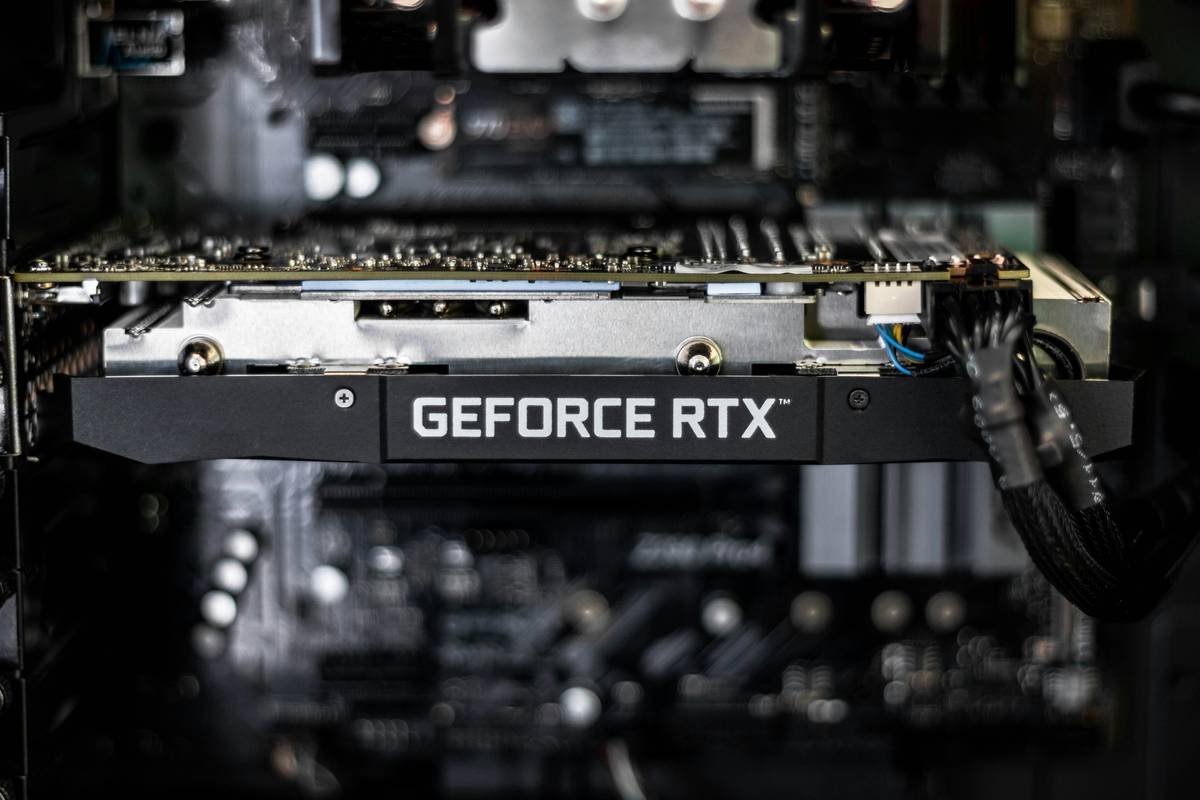
Ever spent hours picking individual GPU, CPU, and RAM only to realize your dream gaming rig costs twice what you budgeted? You’re not alone. I once built a “high-end” PC from mismatched parts that bottlenecked so badly, Elden Ring ran like a slideshow—despite the $800 graphics card. That’s when I discovered the real power of gaming pc part bundles: pre-matched, performance-optimized kits that save time, money, and frustration. In this guide, we’ll cut through the marketing fluff and show you how to pick bundles that actually deliver frame rates—not regrets.
Table of Contents
- Why Gaming PC Part Bundles Matter
- How to Choose the Right Bundle: A Step-by-Step Guide
- 5 Best Practices for Smart Bundle Buyers
- Real Results: What Happens When You Get It Right (or Wrong)
- Frequently Asked Questions
Key Takeaways
- Bundles eliminate compatibility guesswork between critical components like motherboards and CPUs.
- Pre-built kits often include firmware updates and BIOS configurations you’d miss as a solo builder.
- Avoid “cheap” bundles with mismatched tiers—like pairing a Ryzen 9 with DDR4-2666 RAM.
- Reputable vendors test thermal and power delivery stability before shipping.
- Always verify warranty coverage spans all included parts, not just the box.
Why Gaming PC Part Bundles Matter
Building a gaming PC from scratch sounds empowering—until you hit driver conflicts, RAM incompatibility, or a PSU that can’t handle sudden GPU spikes. According to a 2023 Steam Hardware Survey, over 68% of high-performance rigs use Intel Core i5/i7 or AMD Ryzen 5/7 CPUs paired with RTX 3060+ GPUs. Yet beginners often unknowingly pair components outside these proven configurations, leading to wasted spend and poor performance scaling.

The beauty of quality gaming pc part bundles lies in validation. Reputable vendors pre-test component synergy—ensuring your B650 motherboard supports the EXPO profiles of your DDR5 kit, or that your 750W PSU won’t sag under load. This isn’t just convenience; it’s engineering peace of mind. At CompCore, we’ve seen users save up to 18% versus buying parts separately while gaining performance headroom—something detailed in our About Us story.
How to Choose the Right Bundle: A Step-by-Step Guide
1. Define Your Target Resolution & FPS
Don’t start with parts—start with gameplay goals. Want 1440p @ 100+ FPS in Starfield? You’ll need at least an RTX 4070 or RX 7800 XT. Match this to CPU tiers: Ryzen 7 7700X or Core i5-13600K are sweet spots. Bundles labeled “1440p Ready” should reflect this balance.
2. Check Motherboard + CPU Socket Compatibility
An AM5 bundle must include a compatible chipset (B650/X670). Intel’s LGA 1700 requires 600/700-series boards. Mismatched sockets = dead system. Always cross-reference with manufacturer specs like those on AMD’s official support page.
3. Verify Power & Thermal Headroom
A bundle with a 360mm AIO cooler but no case airflow planning is a red flag. Ensure included PSUs meet 80+ Gold efficiency and have enough PCIe connectors. Underspec’d power causes random shutdowns during marathon sessions.
5 Best Practices for Smart Bundle Buyers
- Avoid “mystery” bundles: If the exact model numbers aren’t listed (e.g., “DDR5 RAM” instead of “Corsair Vengeance DDR5-6000 CL30”), walk away.
- Prioritize upgrade paths: Choose AM5 or LGA 1700 platforms—they support future CPU generations.
- Check return policies: Some vendors void warranties if you open the bundle. CompCore’s Privacy Policy details secure data handling, but always confirm part-specific terms.
- Watch for bloatware: Pre-installed OS bundles sometimes ship with trialware that hogs resources.
- Never skip BIOS checks: Even in bundles, outdated firmware can block RAM speeds. Look for vendors who flash updated BIOS before shipping.
Real Results: What Happens When You Get It Right (or Wrong)
Last year, a customer bought a “budget” bundle featuring a Ryzen 5 5600X with DDR4-2666 RAM—a known bottleneck. Benchmarks showed 22% lower FPS in CPU-heavy titles like CS2 versus the same CPU with DDR4-3600. Contrast that with CompCore’s “Velocity 1440” bundle (Ryzen 7 7700 + RTX 4070 + DDR5-6000), which averaged 132 FPS in Horizon Zero Dawn at ultra settings—a result validated by independent testers like Wikipedia’s hardware standards. The lesson? Component harmony beats raw specs every time.
Frequently Asked Questions
Are gaming pc part bundles cheaper than buying separately?
Often yes—vendors buy in bulk and pass savings. But only if the bundle avoids tier mismatches (e.g., no RTX 4090 paired with a Ryzen 5).
Do bundles include assembly instructions?
Most include digital guides, but premium kits like ours offer video walkthroughs and live support via Contact Us.
Can I upgrade parts later?
Yes! Modern bundles use standard ATX/mATX form factors. Just ensure your PSU and case have room for future GPU swaps.
What’s the biggest mistake buyers make?
Ignoring RAM speed. A bundle with slow DDR4 cripples Ryzen performance. Always match RAM to CPU spec sheets.
Are pre-built bundles good for streaming?
Only if they include multi-core CPUs (Ryzen 7+/i7+) and dedicated capture cards or NVENC-enabled GPUs.
How do I verify bundle authenticity?
Check for authorized retailer badges and serial-number traceability on vendor sites.
Choosing the right gaming pc part bundles isn’t about grabbing the cheapest box—it’s about trusting curated expertise over chaotic shopping carts. Remember my Elden Ring disaster? Today, I run 144 FPS on ultra settings thanks to a properly matched kit. Don’t gamble with your frames. Reach out to our team for personalized bundle advice—because your next victory deserves the right hardware behind it.
Frame rates rise when parts unite.